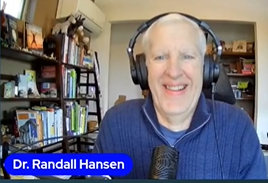
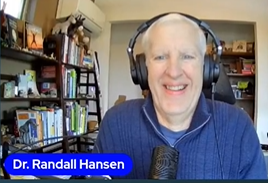
Dr. Randall S. Hansen, Ph.D.
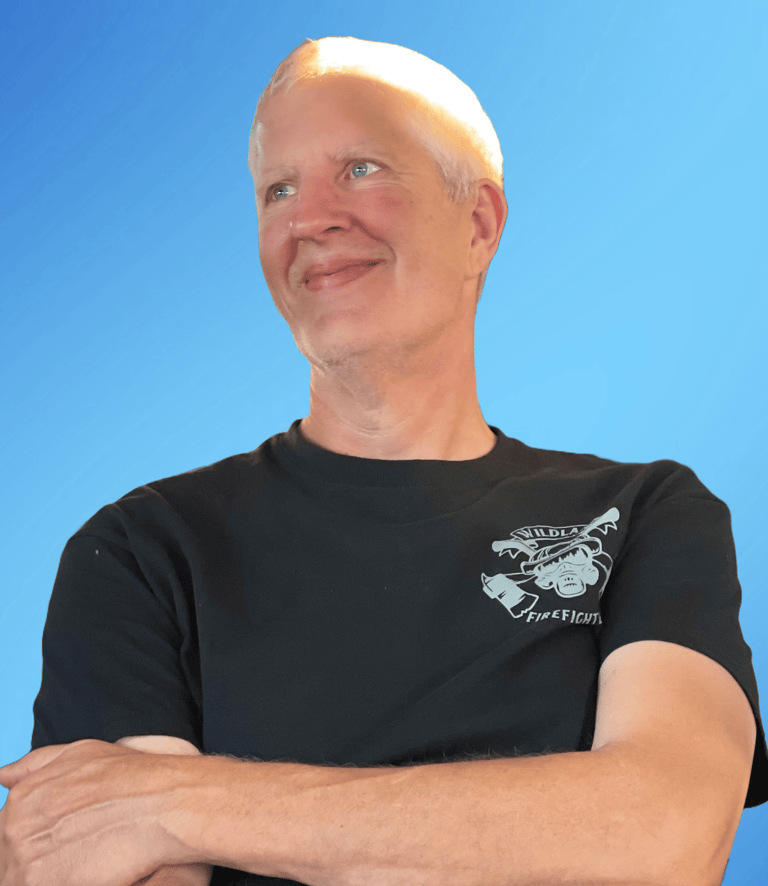
Helping the World HEAL!
Holistic Health Educator, Author, Thought-Leader. Servant leader of the Healing Revolution. Inspiring a Healed, Healthier, and Happier World. Faith-driven.
I believe that true health and wellness are not just the absence of symptoms, but about wholeness, self-love, joy, purpose, and peace.
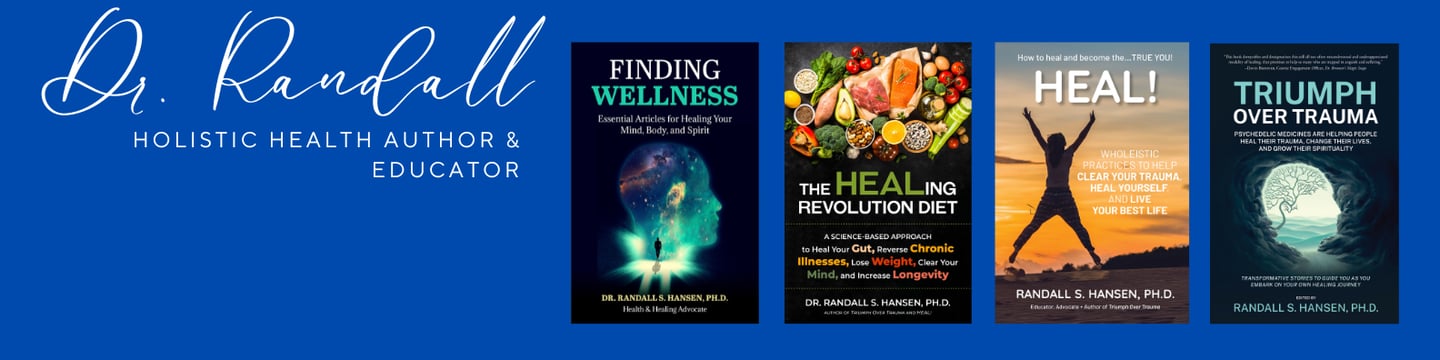
Check out my latest book, a curated collection of my most popular articles on healing the mind, body, and spirit: Finding Wellness!
I am also the author of the Wholeistic Healing Trilogy -- and helping you make YOURSELF healthy again.
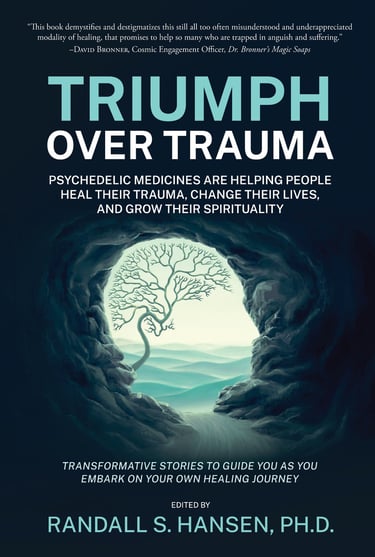
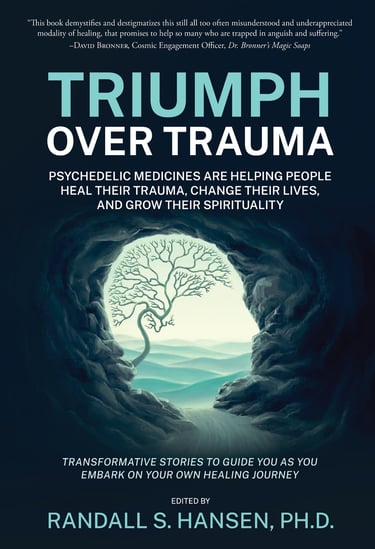
"For the psychedelically-curious" Triumph Over Trauma: Psychedelic Medicines are Helping People Heal Their Trauma, Change Their Lives, and Grow Their Spirituality.
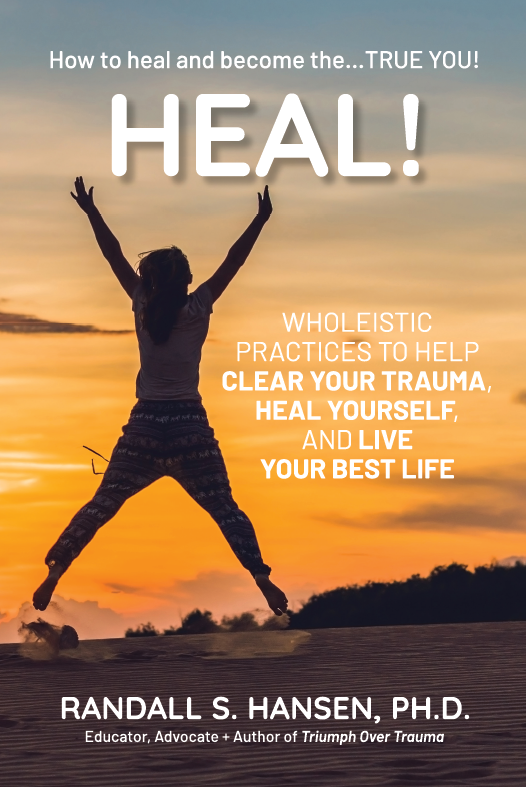
"The manual for healing" HEAL! Wholeistic Practices to Help Clear Your Trauma, Heal Yourself, and Live Your Best Life.
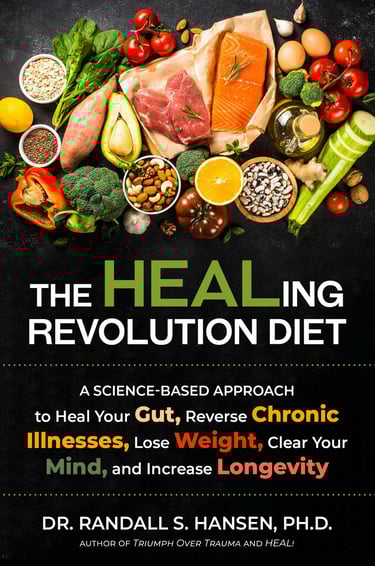
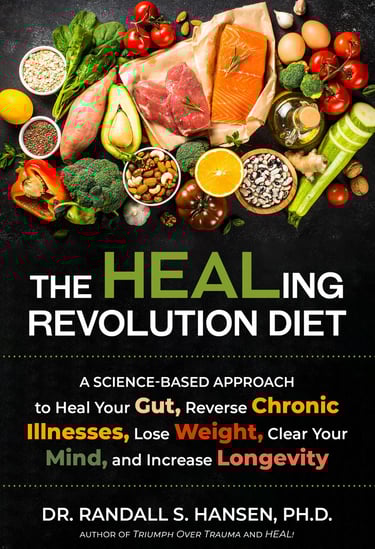
The "groundbreaking" The HEALing Revolution Diet: A Science-based Approach to Heal Your Gut, Reverse Chronic Illnesses, Lose Weight, Clear Your Mind, and Increase Longevity.
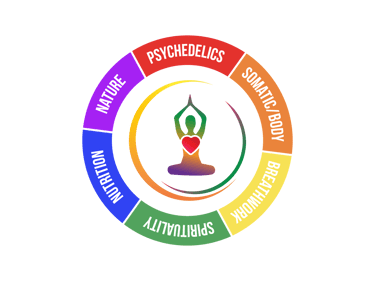
Find Your Healing Modalities (Nature, Somatics, Psychedelics, Spirituality, Nutrition, Breathwork)... and join the Healing Revolution!
Practical, hope‑based wellness for real, whole‑person transformation.
𝐓𝐫𝐮𝐞 𝐡𝐞𝐚𝐥𝐭𝐡 𝐚𝐧𝐝 𝐡𝐞𝐚𝐥𝐢𝐧𝐠 𝐝𝐨𝐧’𝐭 𝐣𝐮𝐬𝐭 𝐜𝐡𝐚𝐧𝐠𝐞 𝐲𝐨𝐮𝐫 𝐛𝐨𝐝𝐲... 𝐭𝐡𝐞𝐲 𝐭𝐫𝐚𝐧𝐬𝐟𝐨𝐫𝐦 𝐲𝐨𝐮𝐫 𝐞𝐧𝐭𝐢𝐫𝐞 𝐥𝐢𝐟𝐞!
I publish short, practical insights on:
Whole‑person wellness
Nutrition and food-as-medicine
Trauma‑informed healing
Emotional and spiritual resilience
Faith‑centered perspectives on health
My Lens and Experience:
30+ years studying food, farming, nutrition, and wellness
10+ years researching emotional and spiritual healing
Trauma‑informed approach supported by extensive research
Faith‑driven perspective rooted in hope, integrity, and compassion
"With a background that blends science, spirituality, and holistic medicine, his work is a guiding light for those ready to stop masking symptoms and start reclaiming their lives."
- Josh Rimany, RPh, FACA, IFMCP
"Dr. Randall Hansen has made it his study to discern the modalities most common to those who have gone through something difficult and to elucidate in clear fashion what they have done, what seems to work, where lays the hope, in overcoming such, and to encourage all towards the same type of work or play - or something new - to build, to become, to feel greater freedom and vivacious."
- Hank Foley
"It’s not often that we encounter individuals who embody the essence of healing with such depth and conviction as Dr. Randall. As a Healing Advocate, Educator, and Ethicist, Dr. Randall’s commitment to catalyzing a Healing Revolution is nothing short of remarkable."
- George Monty
What Others Say About Dr. Randall
Bringing Vietnam Veterans Home
Do you have a loved one, a neighbor, or a friend who served during the Vietnam era?
For many families, the impact of that war has continued to echo quietly across generations. Countless veterans returned home carrying burdens they were never given the chance to lay down, often without recognition, without welcome, and without the care they deserved.
Learn about our healing imitative here -- or scan the QR Code: https://donorbox.org/bringing-vietnam-veterans-home
HEALING and HEALTH BOOKS
Articles & Tools to Help You Find TRUE Healing
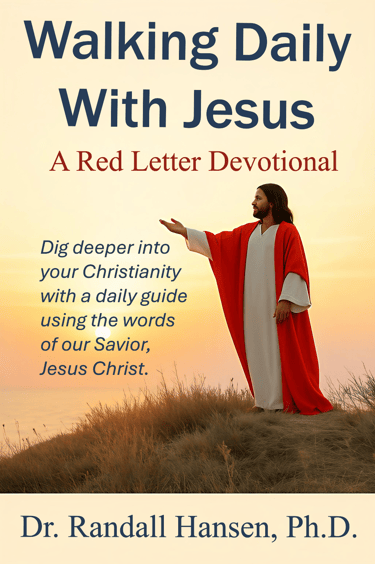
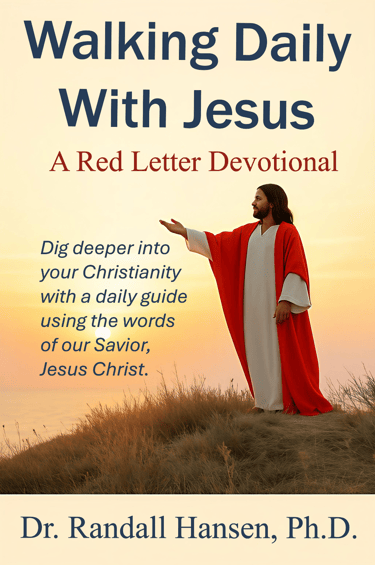
Future Devotional Project
I'm excited to share a deeply personal project that will become a reality in 2027. Options include a book, a video series, and/or weekly memes.
Purpose: “So then, just as you received Christ Jesus as Lord, continue to live your lives in him, rooted and built up in him, strengthened in the faith as you were taught, and overflowing with thankfulness.” -Colossians 2:6-7
RANDALLSHANSEN.COM
A SUBSIDIARY OF Empoweringsites.com -- SPOKANE, WA
copyright: empoweringsites.com.
ALL RIGHTS RESERVED.